How to use the Boost Pack in Starfield
One of the best features in Starfield is the ability to use the Boost Pack to propel yourself in the air.
This can be useful for traversing mountainous planets, or even gaining a vantage point over an enemy. Plus, it’s a really fun tool to use.
However, you’ll need to complete a few steps before you’re able to start using your Boost Pack. So follow the below steps to start propelling yourself around alien planets.
Pre-order Super Mario Bros. Wonder for 29% less than RRP
ShopTo is offering Super Mario Bros. Wonder on pre-order for just £42.85, which is a 29% saving on the game’s £59.99 RRP.
ShopToSave 29%Now £42.85What you’ll needThe Short VersionOpen up the Settings menuSelect SkillsNavigate to the Tech skill treeSelect Boost Pack trainingUnlock Rank 1Return to the main settings menu Select Inventory Scroll down to PacksEquip a packReturn to the game Double press Y to use the Boost Pack Step1
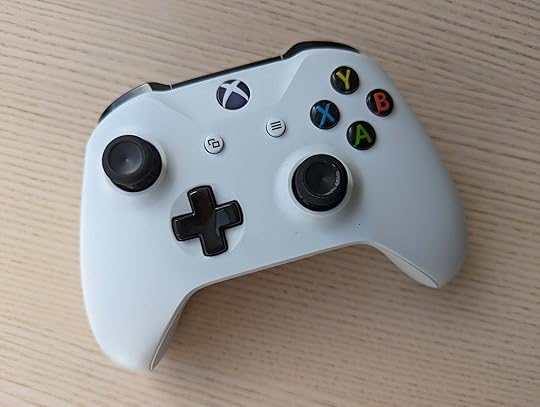
You can do this by clicking the button with three horizontal stacked lines found on the Xbox controller.
2Select Skills
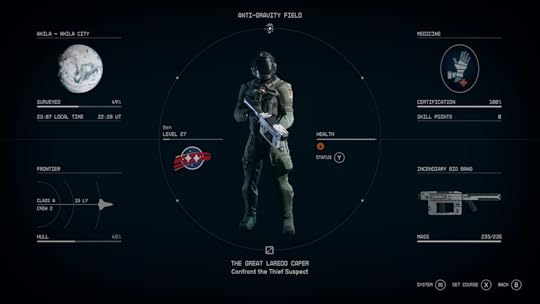
This should be located in the top-right side of the screen.
3Navigate to the Tech skill tree
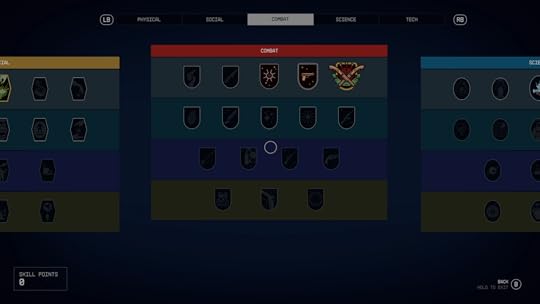
Press RB (the front shoulder button on the right) to move over to the Tech skill tree.
4Select Boost Pack training
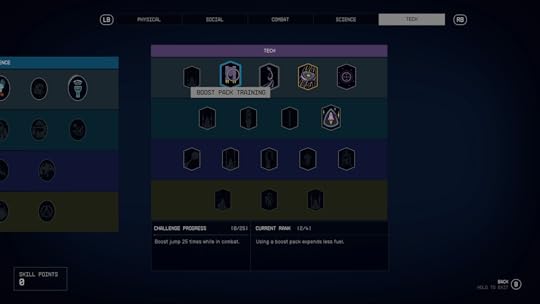
This should be found on the top row, the second closest option to the left.
5Unlock Rank 1
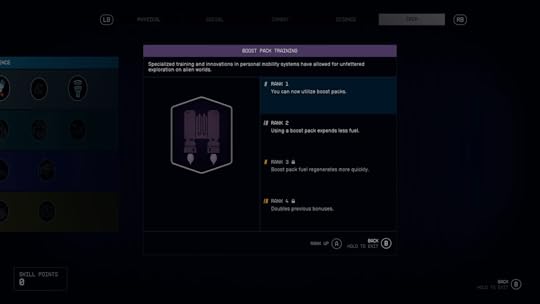
If you have an available skill point, you can unlock this ability. If not, you’ll need to wait until you next level up your character.
6Return to the main settings menu and select Inventory
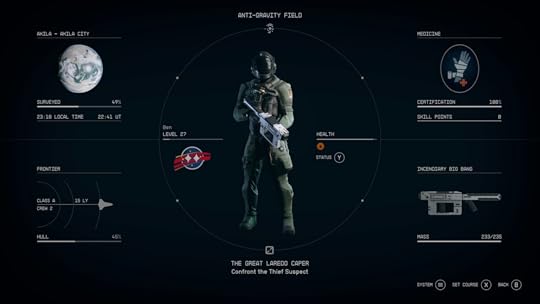
Press B on the Xbox controller until you return to the main settings window, with your character displayed in the centre. This should be found on the bottom-right side of the screen.
7
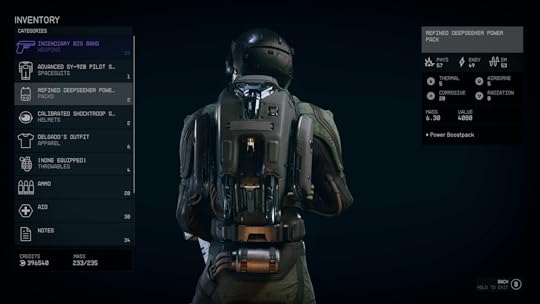
The Packs option is positioned as the third highest option, sandwiched between Spacesuits and Helmets.
8Equip a pack
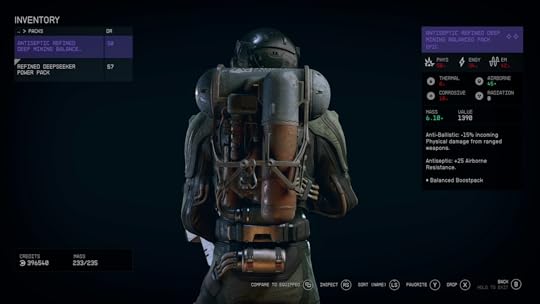
Select any pack by pressing A on your controller. If you don’t have any packs, they’re easy enough to find. They’re often dropped by downed humans, and can be purchased from vendors.
9Return to the game
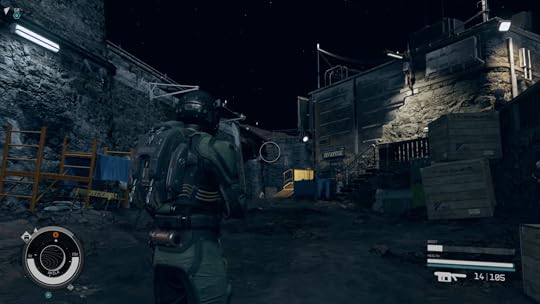
Repeatedly press B on your controller to return to the game.
10Double press Y to use the Boost Pack
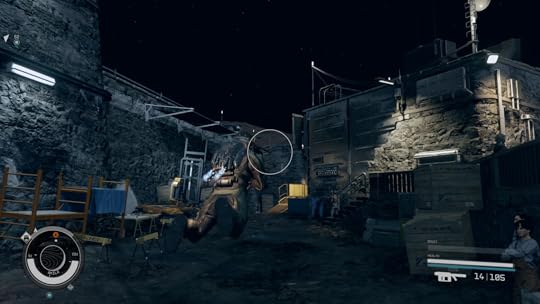
If you followed the above steps correctly, you should be able to use the Boost Pack. Press Y to jump into the air, and then press Y again to use the Boost Pack to jet up into the air. You can’t keep thrusting into the air non-stop, as fuel will need to be replenished over time.
It’s fairly easy to get a Boost Pack. Looting downed enemies will often reward you with a Boost Pack, while you’ll also be rewarded with one after completing an early story mission.
How do I get a skill point?You’ll need to gain a skill point in order to unlock Boost Pack training. In order to do this, you need to level up your character by gaining experience points. Defeating enemies and completing story/side quests are the easiest ways to achieve this.
Source link
The post How to use the Boost Pack in Starfield appeared first on Harmony Evans.