I Was Hacked and How To Protect Yourself
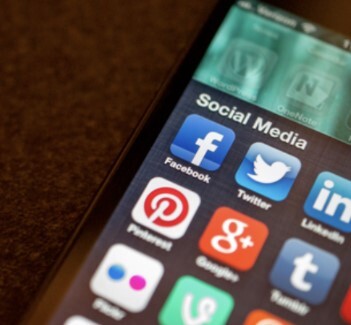
On July 14th, I received a email from Facebook asking if I had changed my email associated with my account. I responded that it wasn’t me but it was too late. A hacker had changed the email address, phone number and password to my account and I was locked out.
I used an online to form to notify Facebook and provided photo ID to prove who I was. They eventually sent me a code which temporarily got me into the account. I did get into the account but to make any changes to the account requires a password. The hacker’s password. Even deleting the account requires the password. So, essentially I lost my 16-year-old account and my two author pages.
I’ve painstakingly begun to rebuild my account. I will not be the same and it will be smaller with fewer impressions. That’s not a good thing when you are trying to build a brand. I have no one to blame but myself. I never used proper security because I thought, it’s just social media.
Since then, I’ve reviewed my online accounts and upgraded where necessary to a higher level of security. I suggest that anyone reading this post do the same thing. It’s actually pretty basic. The most significant change I made was introduce two-step verification. I only had it on my Google account because I can’t afford to lose my email account. But everything else is equally important. If anyone tries to change my email or even log in from a different device, I receive an email and text as a warning.
But that’s not what I chose for my social media accounts. I’m using an app called Google Authenticator as a second layer of protection. The app provides me with a code to use to verify log-ins along with my password for that account. I’m currently using it for Instagram, Twitter, Facebook, Amazon and Goodreads. I’m likely to expand it to other accounts once they introduce two-step verification. To connect this post to my social media accounts I had to provide my codes.
If I lose my phone I can log into my Google account from another device and change my Google password which prevents anyone from accessing my accounts. This isn’t foolproof but it does provide enhanced protection with little hassle.