Scrivener - Favorites
Favorites are an easy way to group chapters or scenes to keep handy as you work or to just use temporarily. You might want to add scenes you need to revise or add chapters that include a specific character as you do a read through. (For more ways to group chapters/scenes see keywords, label & status, and collections.)
You can add whatever you like to Favorites and move the box around.
Plus it's easy. :)
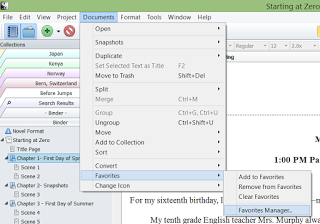
Go to "Documents" "Favorites" "Favorites Manager" (Mac- "Manage Favorites").
[image error]
Drag a...
You can add whatever you like to Favorites and move the box around.
Plus it's easy. :)
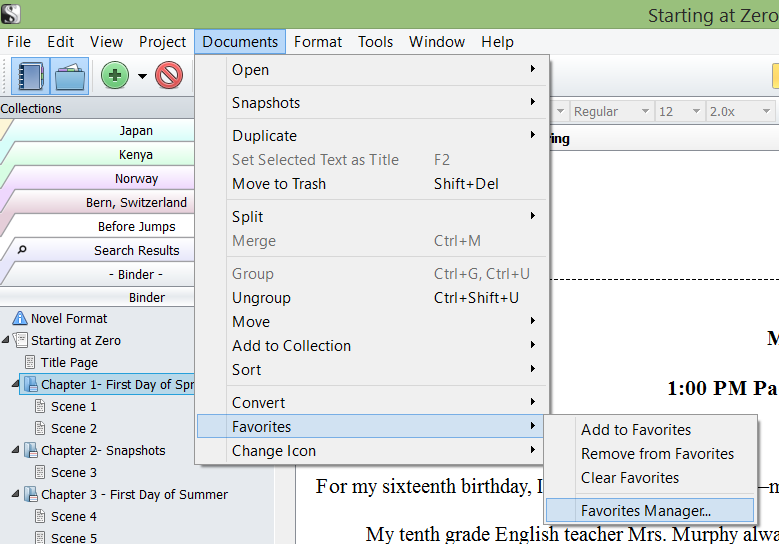
Go to "Documents" "Favorites" "Favorites Manager" (Mac- "Manage Favorites").
[image error]
Drag a...


No comments have been added yet.