How to Request Your Favorites on Libby!
Want to read your favorite author’s (cough cough) books on your Libby app? Why wouldn’t you? I mean…Libby comes with most library cards, and you can read the books for FREE. No subscription service required. Also, if your local library doesn’t have Libby, you can often buy a yearly subscription from other libraries for cheaper than THOSE other subscription services. Just saying.
(PSA- Use your local library!)
See below for a handy guide to requesting a book from Libby.
Step 1: Pull up your Libby App and search for your author or their book.
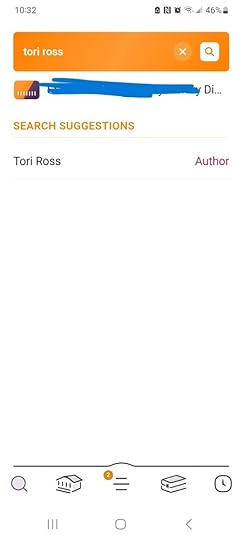
Step 2: You’ll see a list of all the author’s work that is available for library purchase. (Reminder, no Kindle Unlimited authors are allowed to have their book available for library purchase. Only authors/books that are WIDE can be requested.)
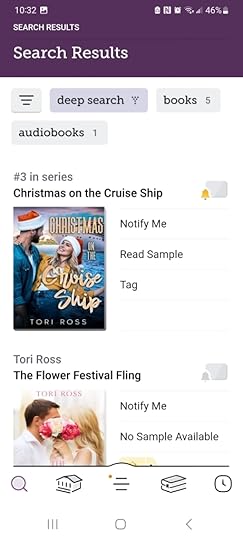
Step 3: Click on “Notify Me.” You’ll see this:
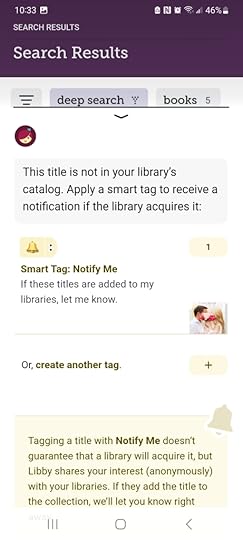
Even the library reminds you in the yellow section at the bottom that they may not acquire the title. However, it anonymously pings their purchase department that you’re interested.
That’s it! Easy Peezy, right? If the library buys the book, we get paid, you get to read the book for free, and everyone is happy.
Happy reading!