
Wolf Role-playing discussion
note: This topic has been closed to new comments.
Characters
>
Template
date newest »
newest »
message 2:
by
Birdsong231☾ (contact me before invs), Loner Lord! Blood Lord! MELON LORD! >:3
(new)
 Mod
Mod
Come straight to me for permission if this is desired to be posted into a separate group. I will not tolerate any act of using this without giving full credit to me.
It's kinda tricky. You need the actual photo, not the site that has the photo. So say I'm trying to use a photo from my profile of Asura. If I don't have a direct link to the photo itself, it's not going to work.
Here's an example of what the link is supposed to be:
https://i.pinimg.com/originals/71/3e/...
See how it's strictly just the photo, and not the pinterest pin?
That's how it has to work...
I like to do some sizing for certain photos so it doesn't overtake the screen. That's where "width" and "height" comes in.
For the photo, I normally just do width, but sometimes I will add height just to see if I can get it right.
<.img src="https://i.pinimg.com/originals/71/3e/..." width="260"/>
remove the period aaand
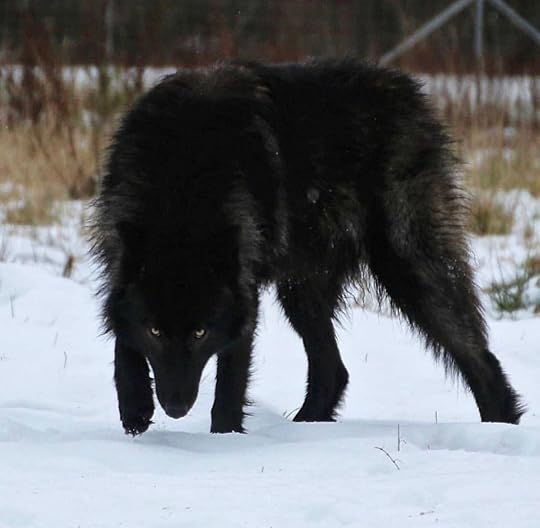
Now if we do height, we'll be getting very, very specific. It'll take a ton of editing to get it to look right, so I kinda just avoid it. I'll use a gif I've used for Diego's template on a few versions:
https://img.buzzfeed.com/buzzfeed-sta...
That's the original size. For sizing, I use width="500" height="100"
<.img src="https://img.buzzfeed.com/buzzfeed-sta..." width="500" height="100"/>
again, remove the period:
This topic has been frozen by the moderator. No new comments can be posted.

<.b>Gender<./b>: Female or Male, not other or trans I'm sorry ;-; their wolves they can't be trans or non-binary, make it realistic
<.b>Rank<./b>: Look through the allegiances of the pack you want to see what ranks are open
<.b>Pack<./b>: Midnight, Blood, Moon, Bloodmoon
<.b>Age<./b>: Specify for human years or dog years, look at the age information so you can put the correct age
<.b>Appearance<./b>:
<.spoiler.><.img src="."./><./spoiler.>
<.b>Personality<./b>: put at least 8 adjectives or 3 sentences
<.b>Mother<./b>: Required
<.b>Father<./b>: Required
<.b>Siblings<./b>: Optional
<.b>Mate<./b>: Use relationship request or make your own mate, optional
<.b>Pups<./b>: Optional
<.b>Other<./b>: You can add what ever here
(Delete the periods on the <.b>, <./b>, <.spoiler.>, <./spoiler.> to make
This and (view spoiler)[this (hide spoiler)]
and the <.img src="."./> to add an image, put the url in between the quotations "")