R. Shannon's Blog, page 29
August 16, 2021
Double eBook Promotion – Clean Literary Fiction – All Genres

Clean eBooks | General Fiction | All Genres
$4.99 or less – some free!
DATES: 08/01/21 through 08/31/21
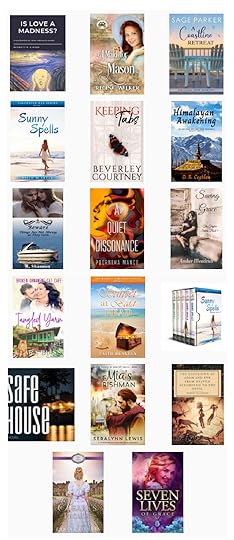
July 30th through August 31st – Kindle Unlimited!




in your email once a week?
Sign up below![contact-form-7]


August 13, 2021
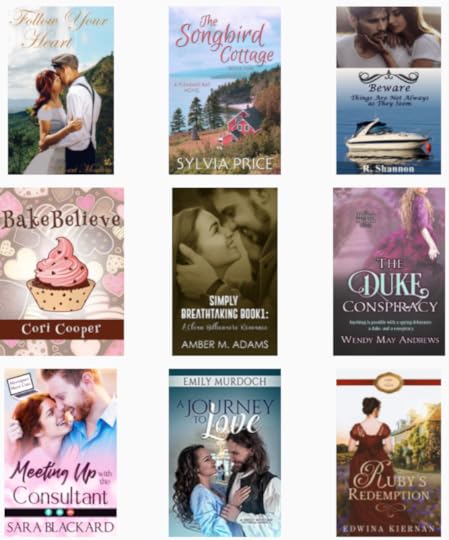
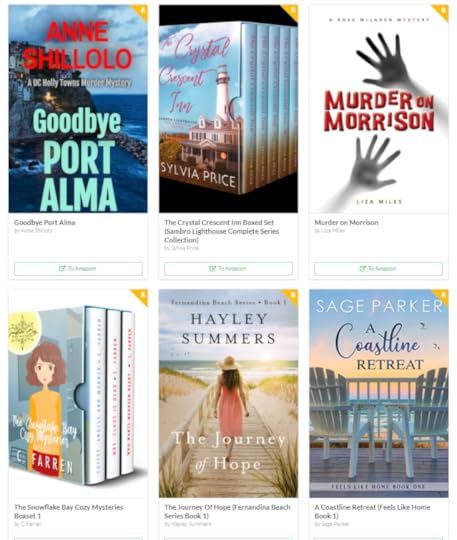
eBook Promotion – August Readathon at Kindle Unlimited!

August 9, 2021
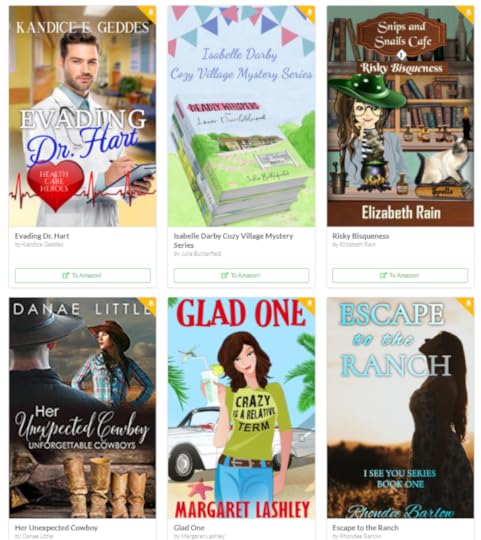
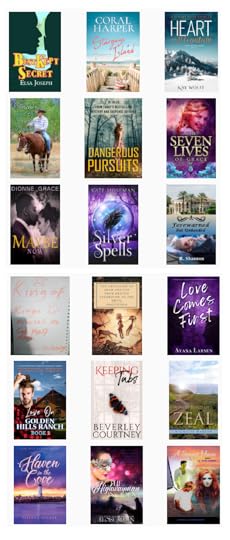
Clean General Fiction or Christian Fiction Promotion at Bookfunnel
 Amazon Sales, Deals & Steals!
Clean General Fiction | Christian Fiction
Dates: 08/01/21 through 08/31/21


August 6, 2021
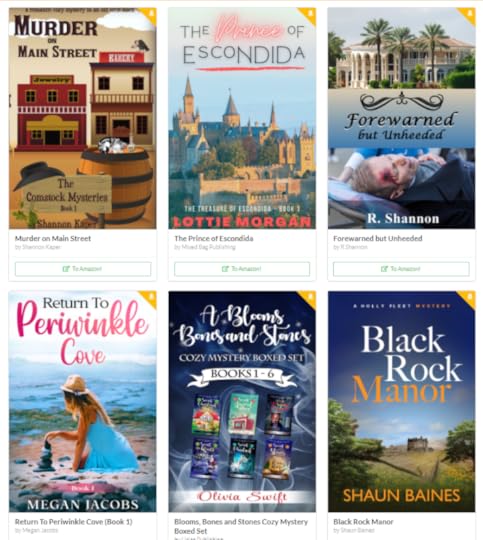
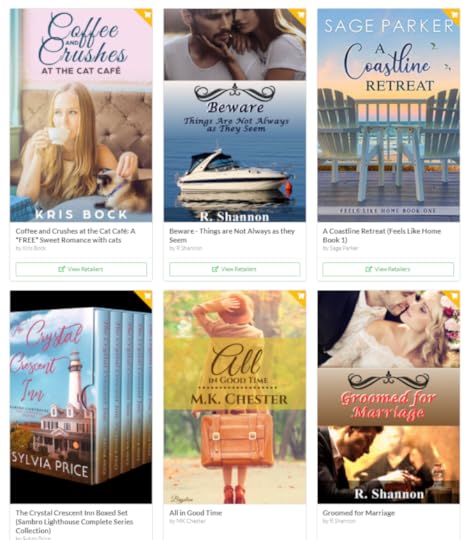
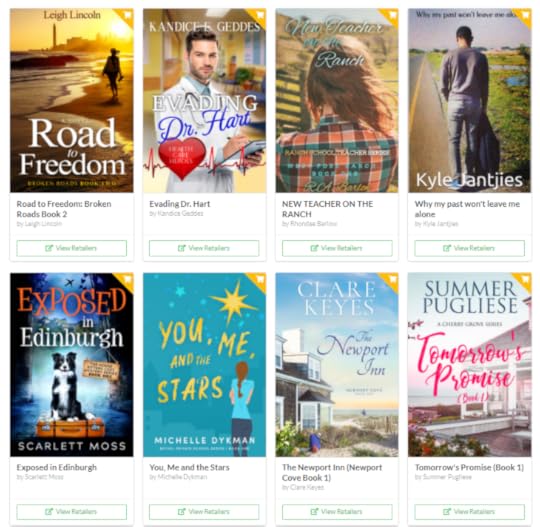
eBook Promotion – Mystery – Romance – Inspirational

Another great Mystery – Romance and Inspirational Fiction
eBook Sale – $4.99 or less at Amazon
DATES: 87/01/21 through 08/31/21
Sign up below![contact-form-7]
August 2, 2021
Christian Mystery Romance & Fiction Promotion at Bookfunnel

Kindle Unlimited – Clean Romance, Mystery and Suspense
Christian Romance | Mystery | Suspense | Kindle Unlimited too!
Dates: 08/01/21 through 08/31/21

July 27, 2021
Scrivener Tips for Beginner Authors
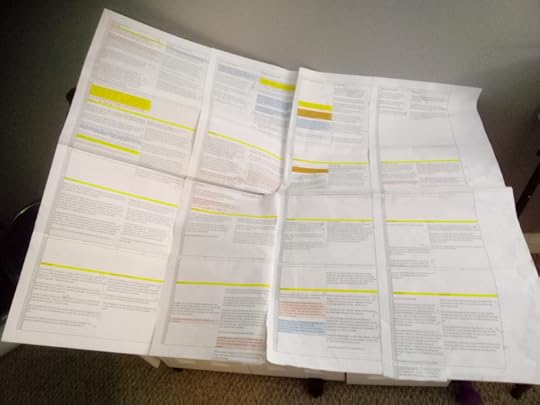
My plotting is done in Excel and then highlighted and taped together so I can see a bird’s-eye-view of the entire story. After I have a working plot, I then go to Scrivener to begin writing the story.
FROM PLOTTING TO FIRST DRAFTThe video below is one that gives a new novelist, a true beginner, some tips that can help you with organizing your writing and keeping track of clues, background drops, character relationships and more. This system can be customized to whatever you as a new author needs in terms of tracking. For example, in my first novel, Groomed for Marriage, I dropped most background at least twice, and sometimes three times! That’s how I came up with a way to be able to keep track of it in it’s own section in Scrivener.
I hope you enjoy the video. If you have any suggestions for future videos about scrivener or anything else about “new authors”, leave it below and I’ll check it out.
July 26, 2021
eBook Giveaway – Paranormal Romance | Vampire Stories | Spooky or Creepy Stories

Spooky or Creepy Stories
Advanced Reader Copies or Free eBooks all month long
Heat Level 2 – PG Rating – No details below the belt
DATES: 07/01/21 through 07/31/21
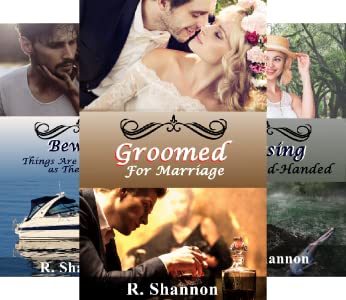
The entire series is available in Kindle Unlimited for the month of July
in your email once a week?
Sign up below![contact-form-7]
July 25, 2021
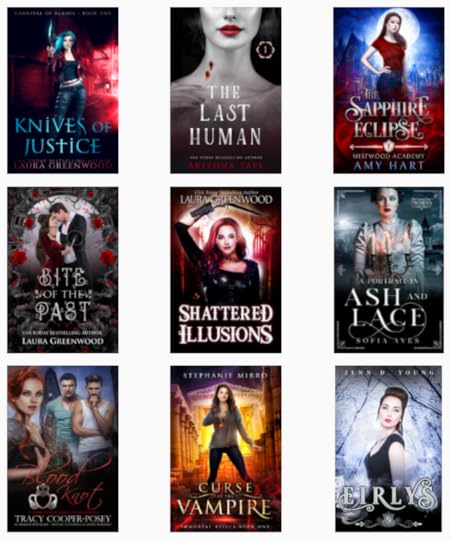
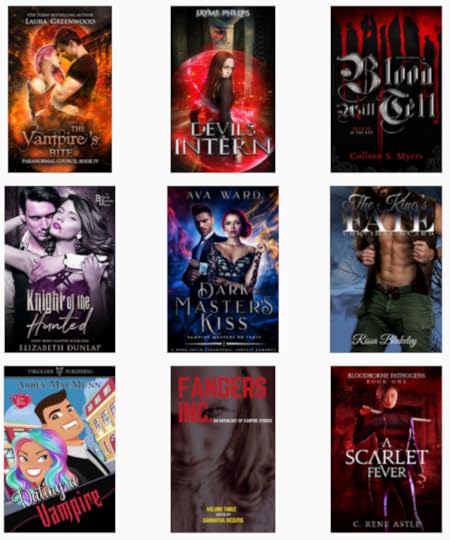
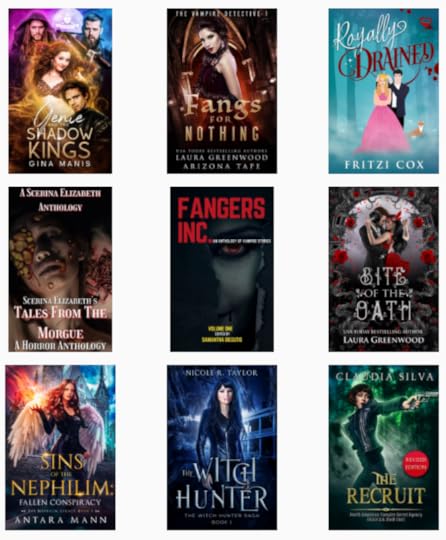
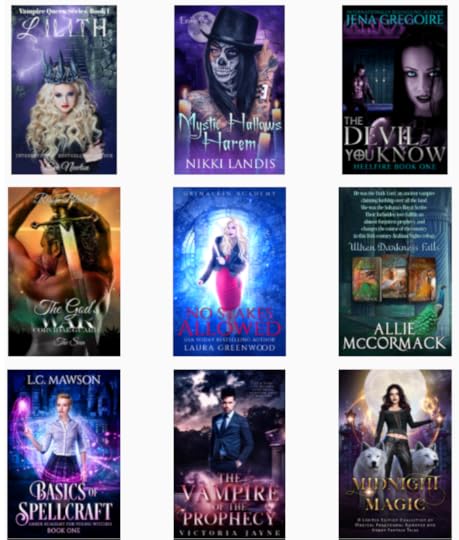
eBook Giveaway – Vampire book Fair

Find Your next Vampire Read Here
DATES: 07/01/21 through 07/31/21
July 23, 2021
eBook Promotion Christian Inspirational Fiction at Amazon

DATES: 07/01/21 through 07/31/21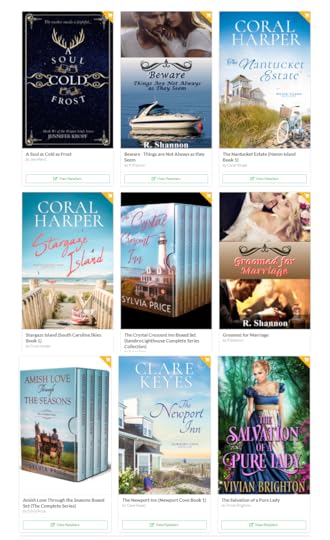
in your email once a week?
Sign up below![contact-form-7]
July 20, 2021
Adding a Contact form with Recaptcha
 Sick woman at work with headache
I started to get some spam through my website and it was all similar. They were filling out the form for an advanced copy of one of my books, and then it had a weird message in another language. It was most likely a bot, so the time has arrived for me to attach a recaptcha to my forms.
I had done this several years ago, but as usual, everything “updated” and my old instructions were useless. So it took me about four hours to figure out how to add a recapture to a Contract 7 form and this blog post is an instructional on how to do it.
FIRST THINGS FIRST: WHAT YOU WILL NEED: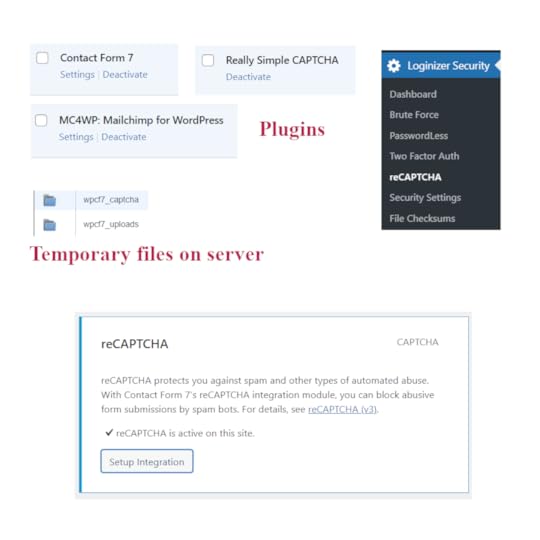 Recaptcha Picture Board You need to add two plugins to your wordpress website. Contact form 7 and Really Simple Capture. As part of the Really Simple Capture, this should upload a temporary folder to your server entitled wpcf7_captcha and another one called wpcf7_uploads. Photos of all of these are on the picture board above. You will need to register your website with google to use a recaptcha, so go to www.google.com/recaptcha and fill out the form to register your website. More on this below in the actual instructions. As part of this process you will get a Site Key and a Secret Key. You will need to copy and paste these somewhere safe so you can retrieve them later. You will also get a google recaptcha admin page link and you may want to record this too in case you want to watch and see what kind of bots it blocked from your site. But that isn’t crucial to get it to work.Now, somewhere along the line, I wound up being redirected to a website called Softaculous.com for and had to pay to ‘join’ to use the captcha, but I am not sure if that is absolutely necessary. It cost $24.00 for the year and I decided that I send enough emails and get enough traffic that a $24 service fee was more than reasonable, so I purchased it. This may have happened to me because I was engulfed in a lot of confusion going from plugin to plugin and back to google captcha, so all I can say is good luck!.HOW TO INSTALL THE RECAPTURE AND LINK IT ALL TOGETHER:First, inside the back end of your wordpress website, click on the Loginizer Security and you will get a drop down list. On the Dashboard page, you will need to enter the Loginizer License number and click ‘update’.Then click on the Loginizer reCAPTCHA settings. This is where you will add your Google keys, both of them.Then click on Contact on the left hand wordpress menu and you will get a pop out menu. Choose integration. When it opens, click on the second box that says reCAPTCHA and this will add your google keys automatically and that will hook up the Really Simple Captcha to the Contact form 7.HOW TO USE THE CONTACT FORM 7 WITH THE reCAPTCHA:
Here is where it got tricky and where I wound up going in circles for awhile. The instructions are written for web developers and they assume you know a lot of things about hooking things up, which I don’t know and you probably don’t either.
So here are the instructions for fifth graders:
Once you have all the plugs ins installed, all your user keys inserted and integrated the form under Contact, then it should work without a hitch as long as you put the right short codes in.
The short code is this: [captchac captcha-170] [captchar captcha-170 4/4] This code will work without a problem.
FOR FURTHER INFORMATION:
If you want to read more about how it works, I had to visit all of these pages as I pieced together how it worked.
Contact Form 7 Recaptcha:
https://www.google.com/recaptcha/about/
https://www.google.com/recaptcha/admi...
https://developers.google.com/recaptc...
https://loginizer.com/docs/getting-st...
The following ‘different’ codes seem to change the css or other things, so if you want to experiment with them, here they are:
[captchac captcha-170]
[captchar captcha-170 4/4]
[captchac captcha-778 size:s fg:#ffffff bg:#000000]
[captchar captcha-778 4/4]
[captchac captcha-118 size:l fg:#00ff00 bg:#ffffff]
[captchar captcha-118 4/4]