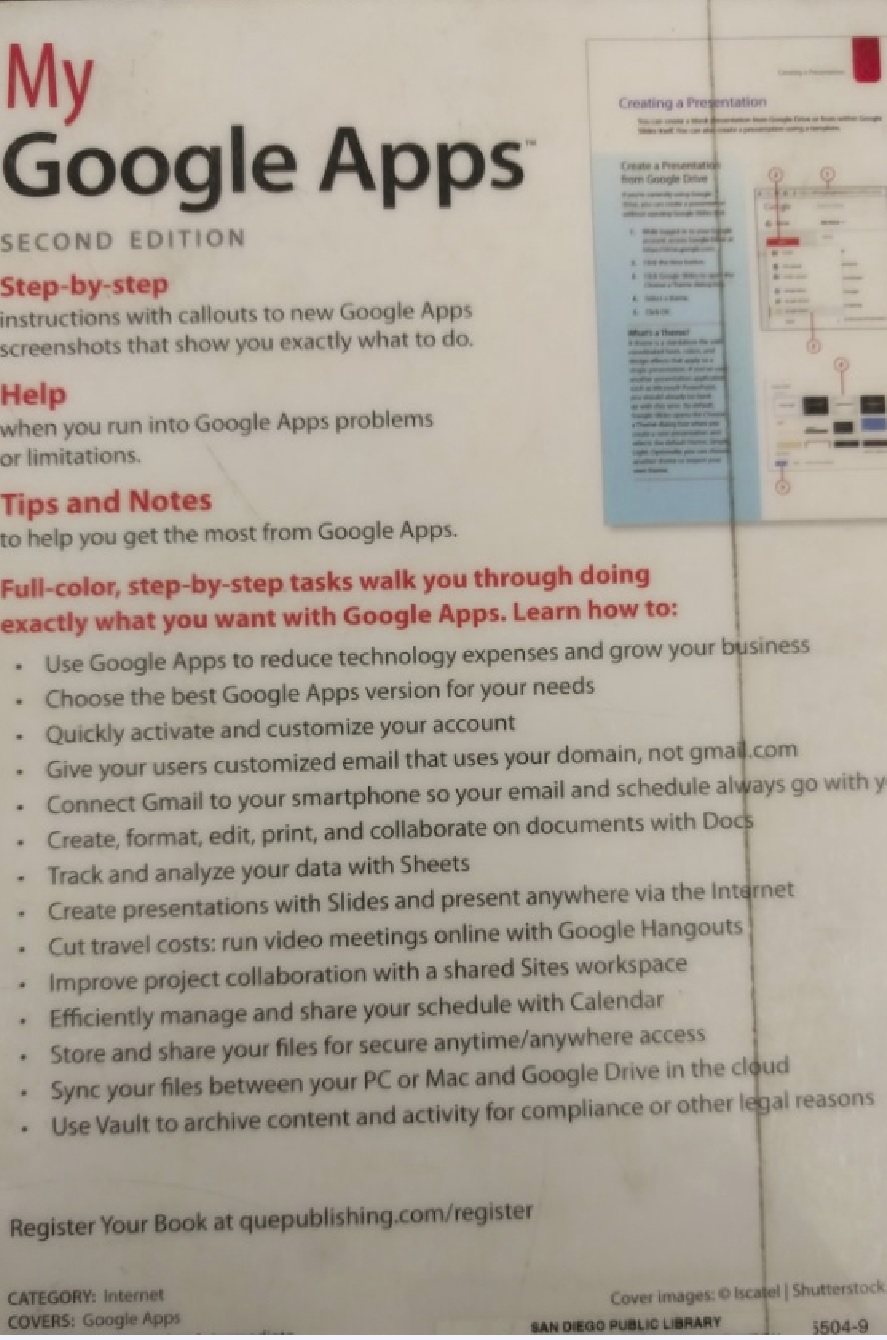
My Google Apps Full-color, step-by-step tasks walk you through doing exactly what you want with Google Apps. Learn how Gmail, Calendar, Drive, Docs, Sheets, Slides, Hangouts, Sites, Vault Step-by-step instructions with callouts to new Google Apps screenshots that show you exactly what to do. Help when you run into Google Apps problems or limitations. Tips and Notes to help you get the most from Google Apps.
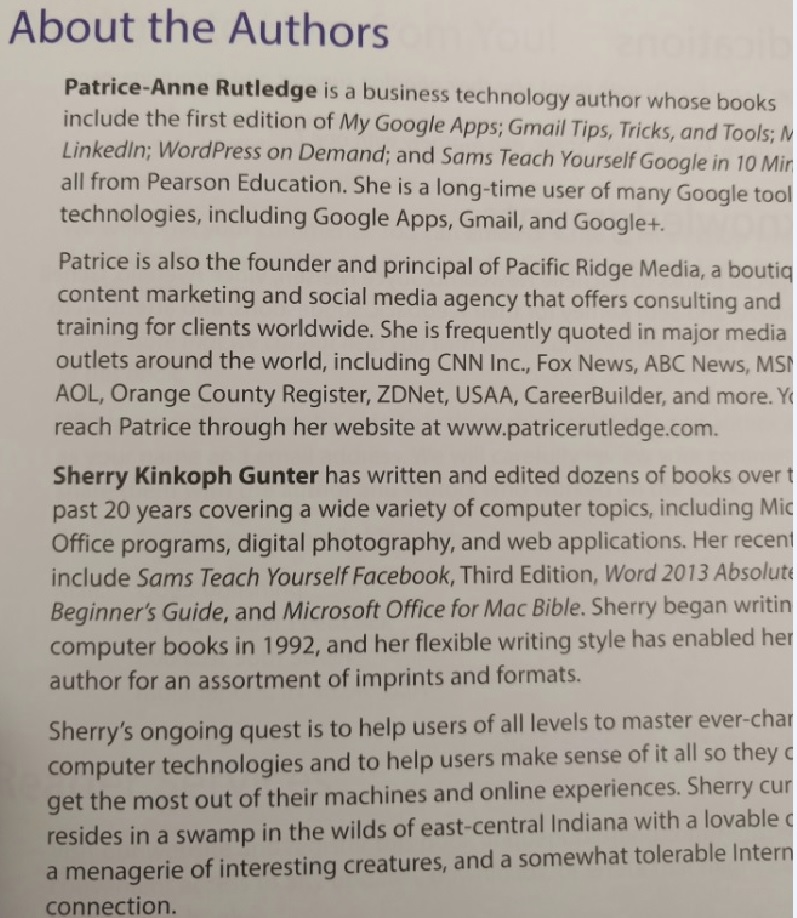
Patrice-Anne Rutledge is a business technology author specializing in social media, online collaboration, and presentation technology.
Her latest books include:
-- Using LinkedIn -- Using Microsoft PowerPoint 2010 -- Teach Yourself Basecamp in 10 Minutes -- The Truth About Profiting from Social Networking -- The Web-Savvy Writer
This is a beautiful set of easy-to-follow instructions to deal with the most common issues found when working with the most popular Google apps, such as gmail, calendar, hangouts and the like. The feature I liked the most is the beauty of the box. This book makes a great piece of decoration next to your computer station in a well-put and nice home.
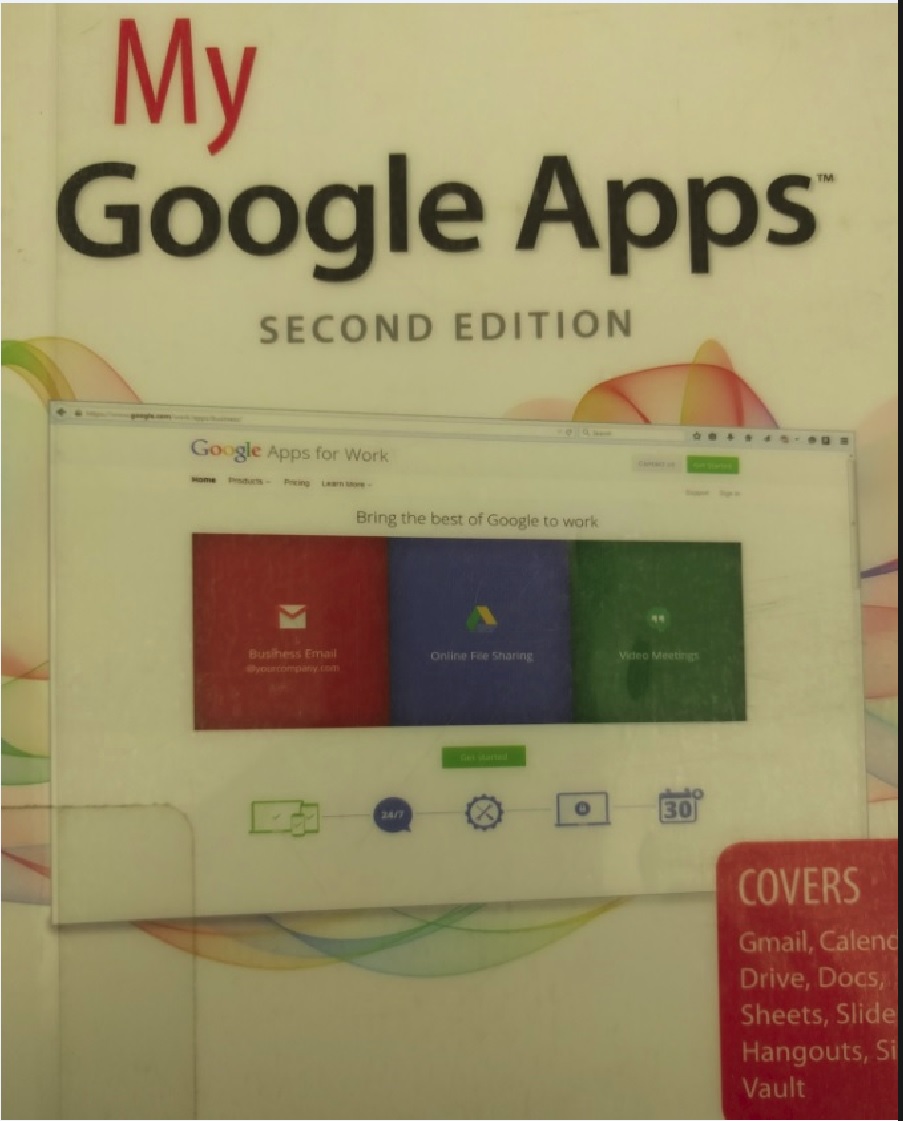
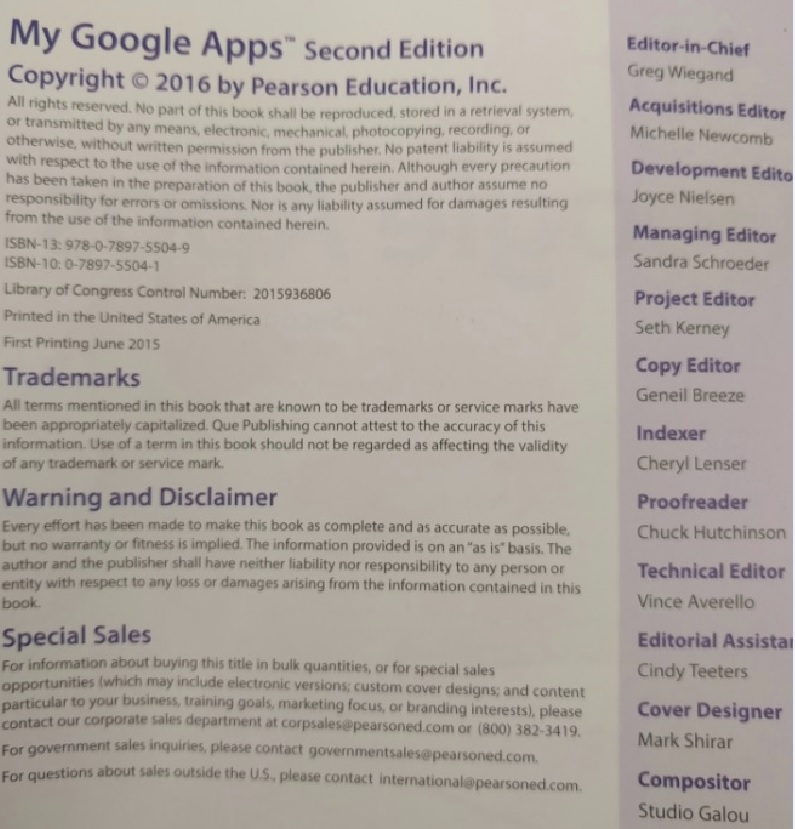
The following are images of the cover and editorial information of the book I read:
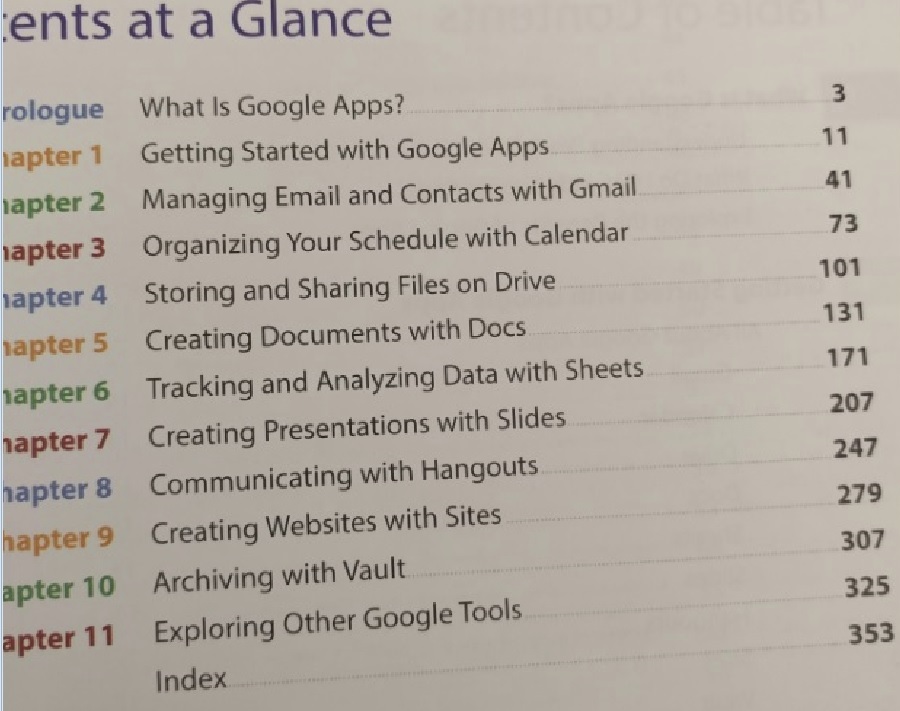
The table of contents: Gmail, Calendar, Drive, Docs, Sheets, Slides, Hangouts, Sites, Vault and other toolsL
A few words about the authors:
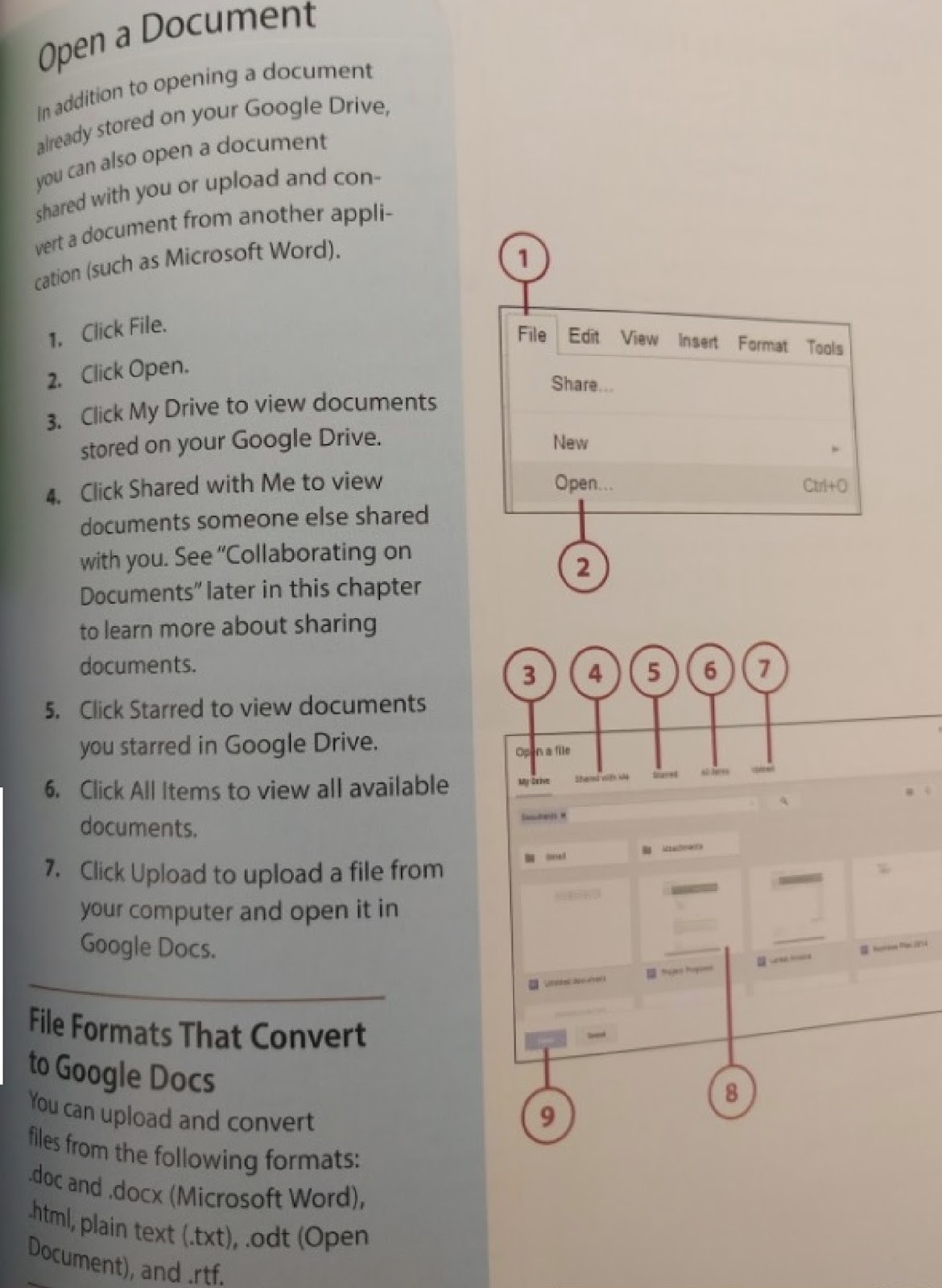
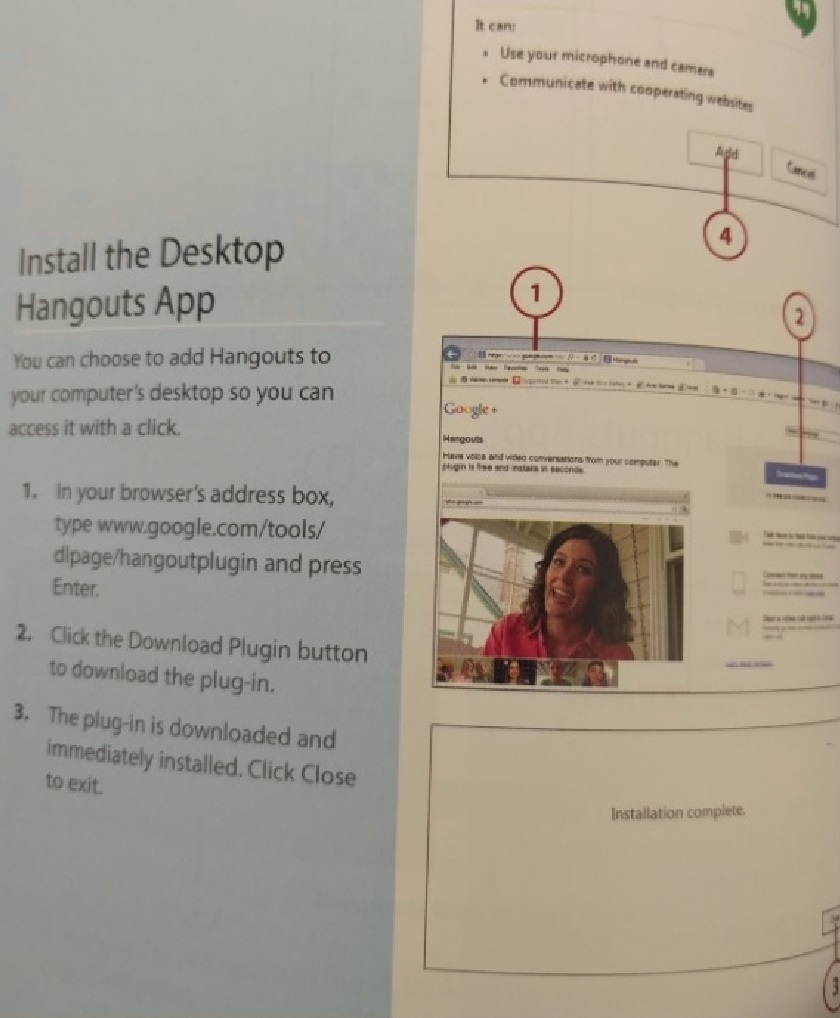
And a couple of examples of how they put out the instructions to follow in this book:
Interesting. The paper is a very good quality, which makes the graphics very nice. The only things I did not like about GA are that it is an expensive service, and doesn't work well in certain browsers. I will probably test the apps in some other life.
A good overview of Google's most commonly used services. It covers all of the features and limitations of GMail, Calendar, Drive, Docs, and other apps.