
How To Use the TRACK CHANGES Tool in Microsoft Word
I was so grateful when my crit partner extraordinaire, Ralene, tipped me off to using the TRACK CHANGES Tool in Microsoft Word. Whether your editing your own manuscript or someone else's, this tool is easy and helpful.
1. Open up Microsoft Word and type any sentence.
2. Click the Tools Tab and then Click Track Changes.
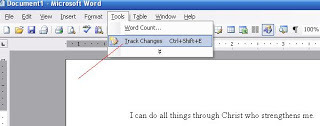
3. To leave a comment about anything in the manuscript, highlight the part of the text you want to comment on and click on the starred folder in the toolbar. A comment...
1. Open up Microsoft Word and type any sentence.
2. Click the Tools Tab and then Click Track Changes.
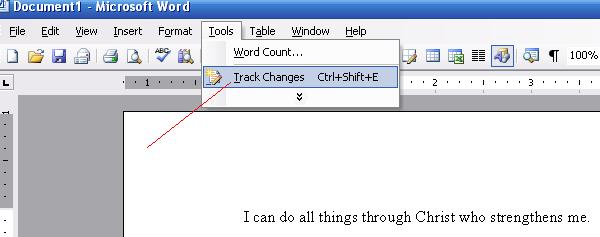
3. To leave a comment about anything in the manuscript, highlight the part of the text you want to comment on and click on the starred folder in the toolbar. A comment...


No comments have been added yet.
CatBryant.com ~ Journey Blog

FREE digital copy of A PATH LESS TRAVELED (2nd stand-alone book in the Miller's Creek novels and an Amazon Kindle Best-Seller) when you subscribe to Cathy's FROM MY FRONT PORCH newsletter. On my blog
...more
- Cathy Bryant's profile
- 390 followers

